How it works
Your site is built in about a minute. Going live takes about twenty, most of it you choosing colours and filling in your details. The changes afterwards are made by an automated assistant, with a person behind it when it can't help. Here is every step.
Tell us who you are
Your business name and town, or a link to your website or Facebook page. We find your Google listing and you tap the one that's you.
We build your site
In about a minute we read what is already online about you and write your pages. Nothing is made up: where we are not sure, we ask.
Choose the style
Five styles and 21 colour sets, or three colours of your own. You see your own site change as you choose.
Fill in the details
Your name and mobile number, your email, and the legal details a website must show. We say why each one is asked.
Pick your web address
A free address like thebell.townmember.com, a domain you already own, or ask us to register one.
Start your free trial
A free 14-day trial, then £49 a month or £490 up front for the year, by card, Apple Pay, Google Pay or Direct Debit. We take your card at the start and message you 3 days before your first payment; cancel before then and you pay nothing. No setup fee.
Go live and pair your WhatsApp
Press Publish. Send us a six-character code on WhatsApp. From then on, every change is a message.
Afterwards
Everything is WhatsApp. Send a photo, a voice note, a photo of the menu, or just “we're closed Monday”. You get a preview and a Publish button every time. When the assistant can't help, a person replies as soon as we can.
Things you can ask for
Change anything
We're closed Monday
Hours, menus, prices, photos, events, the words, the colours. You see a preview and press Publish. Nothing goes live until you do.
A QR code to print
Give me a QR code for our menu
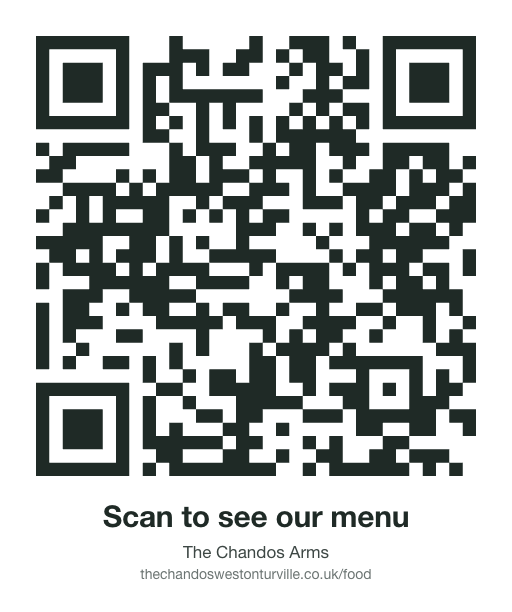
A printable code comes straight back with “Scan to see our menu” written under it, so customers know what they're scanning. Any page works: the menu, what's on, the price list, or the whole site. Print it from your phone for the bar, the window or a flyer.
Add your staff
Add Jo, 07700 900123
You get a link to send Jo. Jo taps it, says hello, and can make changes the same way you do. Only you, the owner, can add or remove people, and “who can edit the site?” lists them.
How the site is doing
How did the site do in August?
Page views, about how many visitors, the busiest day, the most-read pages, and how that compares with the month before. Counted by us, with no cookies and no tracking.
Things that end by themselves
Fully booked tonight
A notice at the top of every page that clears itself at the end of the day. The same for “last-minute slot at 2pm”, “the brisket has sold out” (back with one message), a gig, a market or a class on a date.
Undo
Put it back to how it was on Monday
Every published version is kept. Go back one, or to any day you name, with a preview first.
Table bookings (add-on)
Bookings tonight?
With the bookings add-on, guests book on your site and you run it from the chat: the day's list, “book a table for four at seven for the Smiths”, “no more bookings tonight”, “cancel CHA-4K7Q”. Guests get an email confirmation and a reminder. See everything you can say on the bookings page.